Improving your game with AI Art
Note added later
At the time, these images felt excellent. AI usefulness has improved so much since then that we laugh at the quality of those old pictures while we generate far better images much easier, faster, and cheaper. Using AI has become so much more impressively useful over the last few years—and it will only get better.
A week ago I finally got around to playing with MidJourney, an AI bot that creates pictures based on text that you send it using Discord. As I am really bad at making art, finding a tool that can do it for me is incredibly helpful, especially since I can’t (won’t?) afford to pay a professional artist to do it for me.
A lifetime ago, back when Covid insanity was new, I had installed Discord. I never got around to using it, but it was already there, ready to use. I created my own server and invited the MidJourney bot to it. I even made a channel specifically for my D&D art.
Using the bot is incredibly simple. You just type “/imagine” and then you type what it is you want to see. It takes a minute or two and then four images show up with different takes on what it thinks you said. If you like one of the four then you upscale it by clicking the “U#” button, where the number after the U corresponds to the position of the desired image. There’s a lot of basic tutorials out there, but they are barely needed.
So I spent a few hours messing around and tried making versions of the characters of my school kid players. Figuring out what text to use to describe your desired picture takes some practice and skill, but you can easily get something good enough in no time.
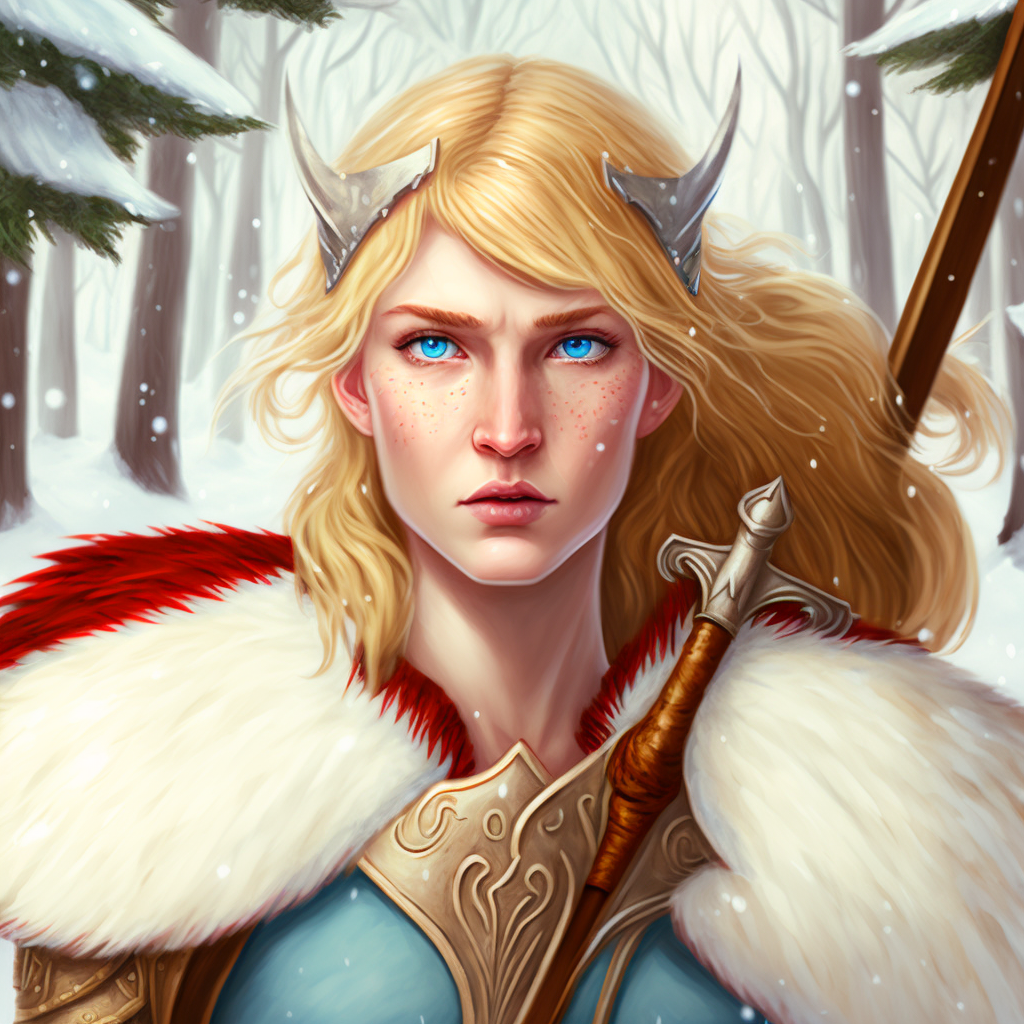
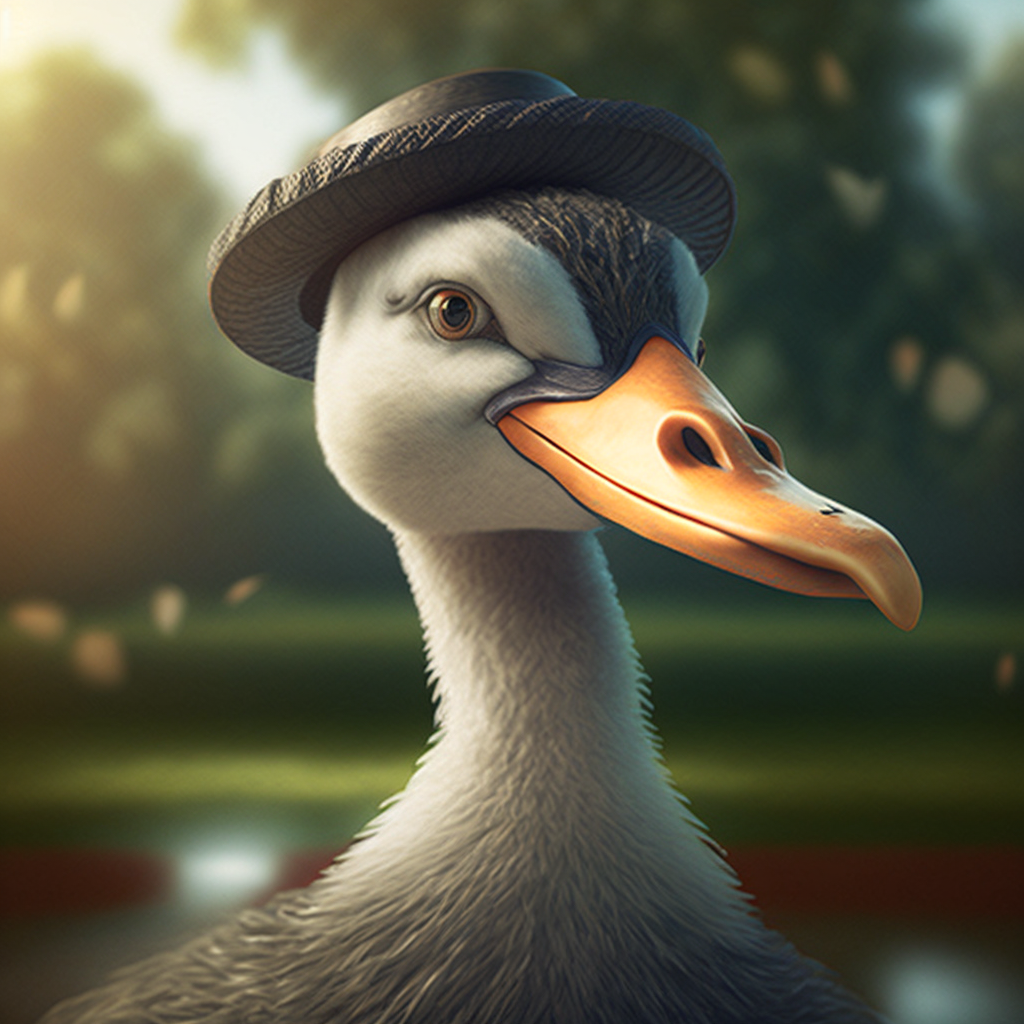
Here’s a picture I like of the Aasimar Barbarian of the party. She has an uncle named Angus that went missing, but not long after that a large goose wearing a hat showed up in the village which follows her around. She calls it Angoose.
One of the kids just created a Tortle wizard. Easy to do using MidJourney.
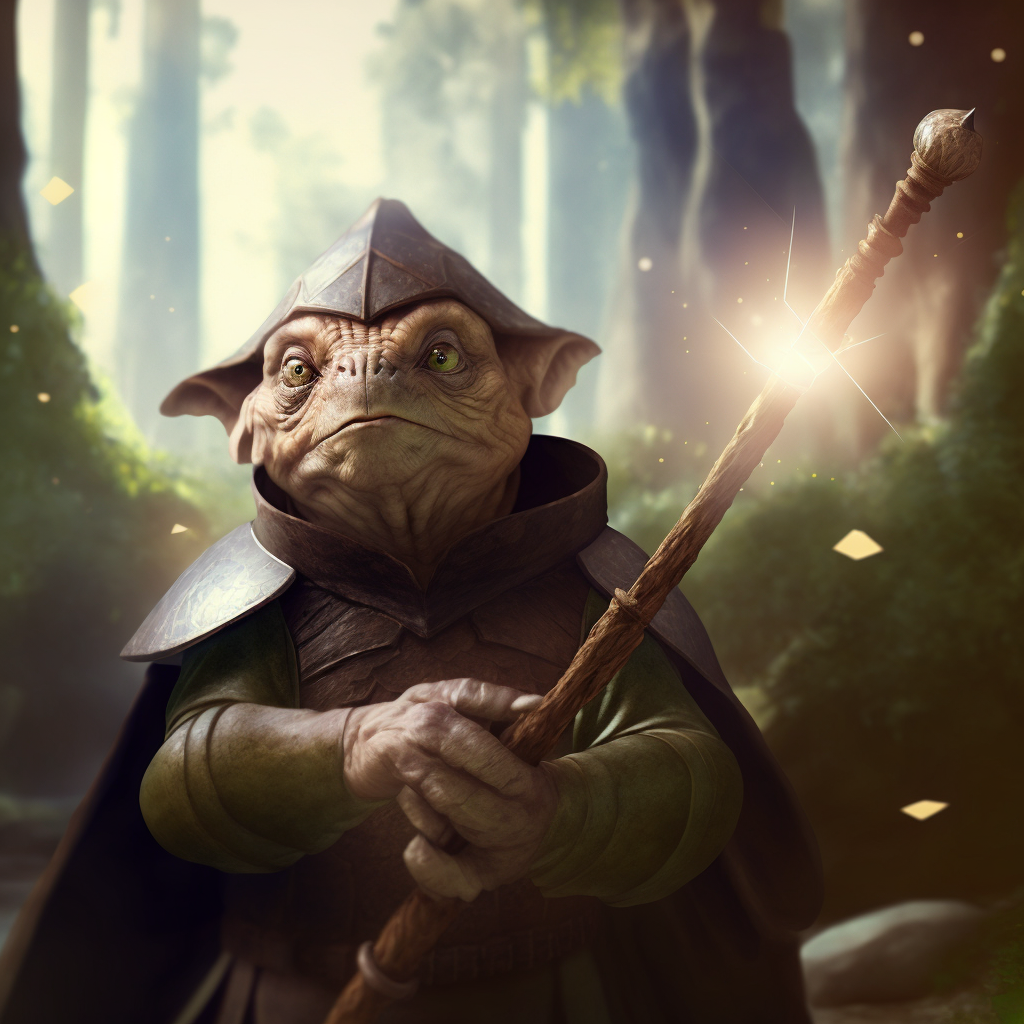
I made pictures like this for all of the characters. In total it took around 2 hours to come up with 8 character portraits, all this good. That’s something I could never do myself, and would likely take several days for an artist to do themselves the regular way.
Then I created some pictures for the encounters I had planned for the week. By this time I was starting to get the hang of things, so it didn’t take as long. For one session I was planning on having the characters travel into a darkening and gloomy place, running into some skeletons.
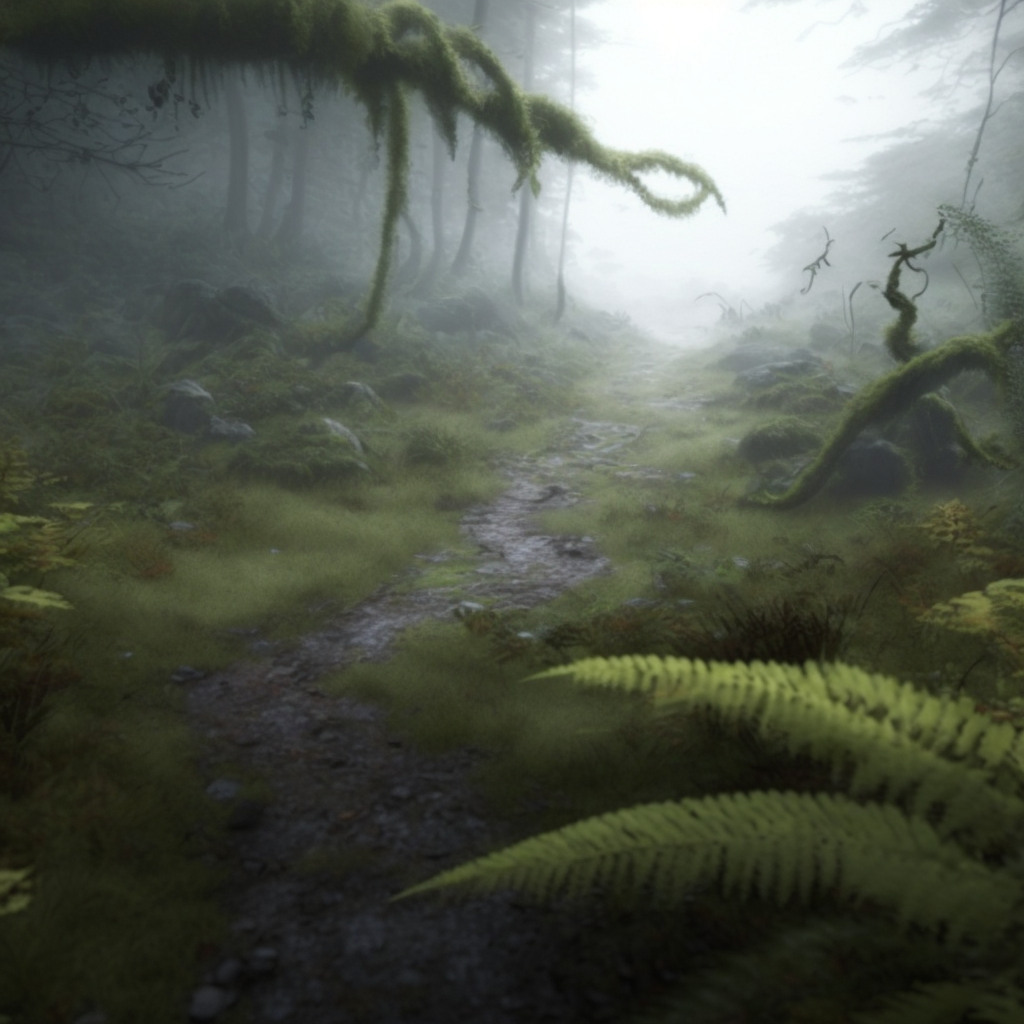
Here’s the prompt I used for the above picture: an overgrown path through a misty gloomy marshy open glen with scattered small hills covered with lichens and ferns - sharp focus, ultra realistic, cinematic lighting, octane render, unreal engine
I showed the kids that picture, describing it as well. Having the picture helped the kids focus, while supplementing my descriptive speaking. I followed it up with the next picture, saying “Roll initiative!”
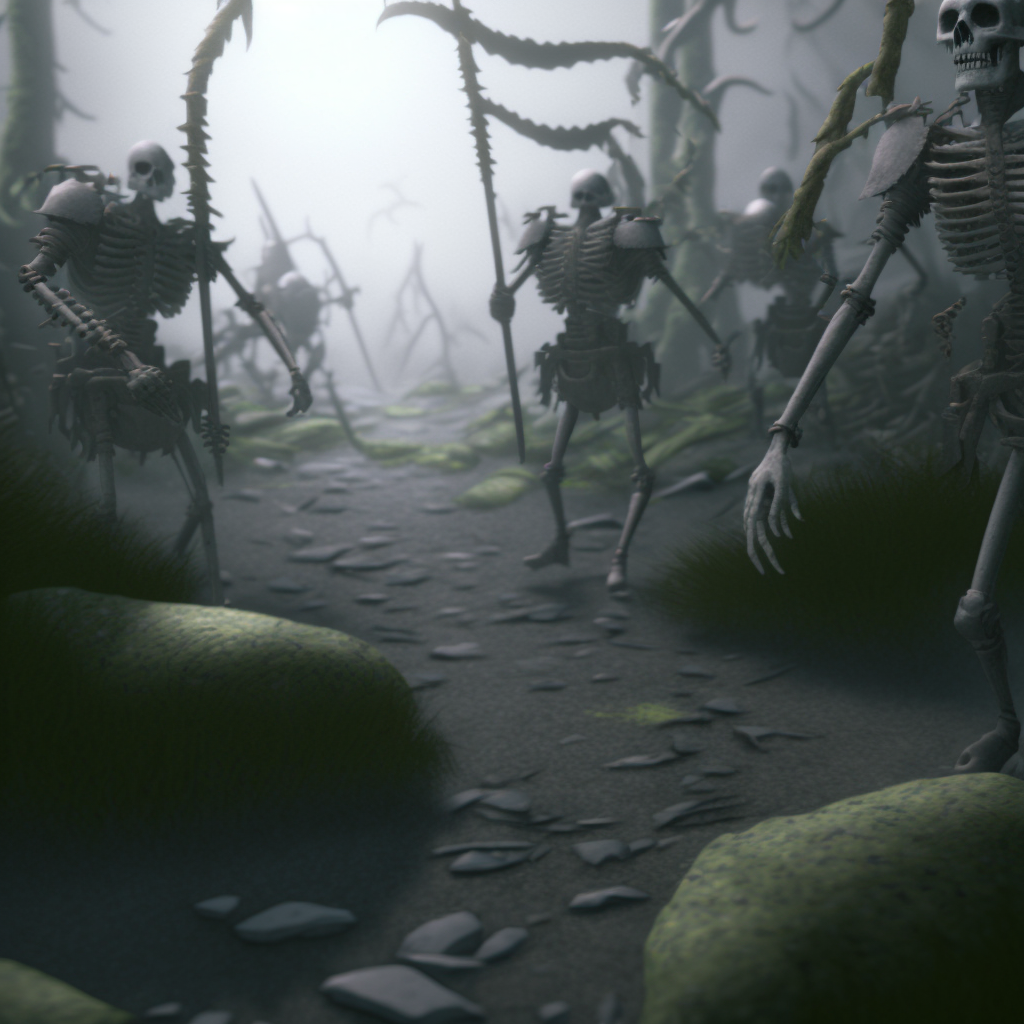
The prompt for that one included a link to another picture, that had a prompt of “medieval skeletons attacking - sharp focus, ultra realistic, cinematic lighting, octane render, unreal engine --v 4”
When you include a picture link it helps guide the style and composition. The AI actually converts the picture to text first, then adds that generated text to your other text.
Overall I thought it was a big success, and I plan to include more AI generated pictures in my sessions. Heck, you could even generate them on-the-fly, while the game is going.
The number of free pictures you can get is small, but enough to try it out. After that you need to subscribe to the MidJourney service. They have a $10/month plan (Basic), but that doesn’t get you a lot - only about 200 pictures. The $30/month plan (Standard) gets you basically an infinite amount of pictures, so if you are going to subscribe you should definitely just go for that right away. In one week, while working a full time job and only making pictures in my off time, I have already generated 344 images. That’s almost double the amount you can do with the Basic plan.
Now that I have tested it pretty thoroughly and like it, I’m going to try to plan out my usage better. I want to find one particular style, or set of styles, that I would use consistently. I also want to come up with a set of “shots”, things like “character portrait”, “action scene”, and “location shot”, so I can consistently create art that fits together. I also need to create a list of prompt snippets for describing the D&D races and classes - a lot of them are a bit difficult to describe to the AI. For example telling it to make a dragonborn doesn’t work, you have to say dragonfolk (AFAIK).
I might even, eventually, revisit my DMs Guild account and update my published adventure with graphics. Then I could start publishing more of them.
I also want to create a page of tips and guidelines for using MidJourney (or other AI art generators) on my wiki, not only for my own use, but maybe it would help others.
Personally, I’m feeling pretty good about it—and the tools will only get better.